BlueDriver vs OBDLink MX+: Which Phone-Based Scanner Is Better?
Two of the best Bluetooth scanners. BlueDriver is the easiest to use with built-in repair reports; the OBDLink MX+ goes deeper on live data and works with dozens of apps. Here's which suits you.
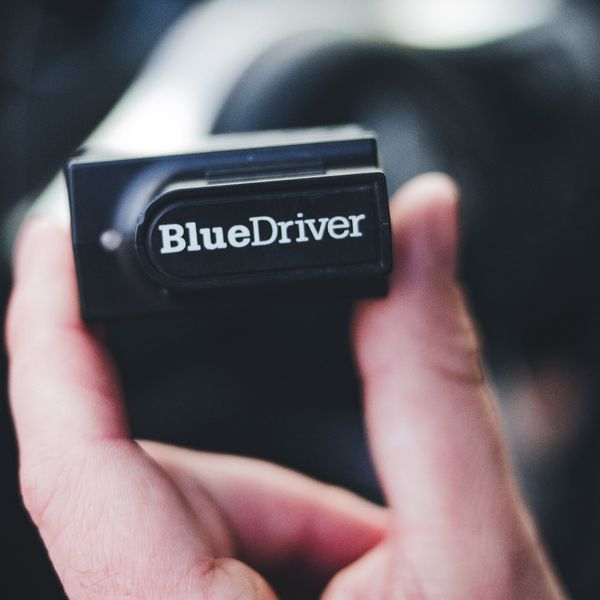
| Spec | BlueDriver Pro Next-Gen | OBDLink MX+ |
|---|---|---|
| Price range | $100–$200 | $100–$200 |
| Type | Dongle + phone app | Dongle + phone app |
| Connection | Bluetooth | Bluetooth |
| Systems | Engine + ABS + SRS | Engine + ABS + SRS |
| Active tests | No | No |
| Live data | Advanced (graphing / logging) | Advanced (graphing / logging) |
| Updates | Free lifetime updates | Free lifetime updates |
| Service functions | None (no oil, EPB, SAS or battery resets); smog-check readiness, Mode 6, freeze frame, repair reports | Limited built-in; more through third-party apps such as FORScan (Ford) |
| Works with | iOS, Android | iOS, Android, Windows (plus third-party apps) |
| Best for | Beginners | DIYers |
The short answer
- Get the BlueDriver if you want the simplest path from “light is on” to “here’s what to fix” – one polished app with repair reports, no extra apps to learn.
- Get the OBDLink MX+ if you like detailed live data and logging, use Windows, or want to pair it with specialist apps like FORScan for Ford.
What’s the same
Both are Bluetooth plug-ins that use your phone as the screen, both read engine codes plus ABS, airbag and transmission codes on supported makes, both have excellent live data, and neither charges a subscription for its own app. Neither runs full active tests on its own.
Where they differ
The app experience. BlueDriver is one app designed for owners: it explains codes in plain English and adds repair reports showing likely fixes. The MX+’s free OBDLink app is powerful but more technical, and the adapter’s real strength is working with dozens of third-party apps (some paid) for specific makes and jobs.
Which cars get the extra systems. BlueDriver reads ABS/airbag/transmission/TPMS on its list of major makes. The MX+ unlocks dealer-level data on its supported makes (Ford, GM, Toyota, Nissan, Mazda and others) through free add-ons in its app – check both lists for your car.
Computers. The MX+ also works with Windows, which matters if you want to log data on a laptop. BlueDriver is phone and tablet only.
Price. The BlueDriver usually costs a little less.
Our pick
BlueDriver for most owners – it’s the quickest route to an answer. OBDLink MX+ for tinkerers and enthusiasts who want raw data, Windows support, or make-specific apps. You won’t go wrong with either; the deciding question is whether you want one simple app or a flexible adapter.